
Charging Port Repair El Paso: What to Know
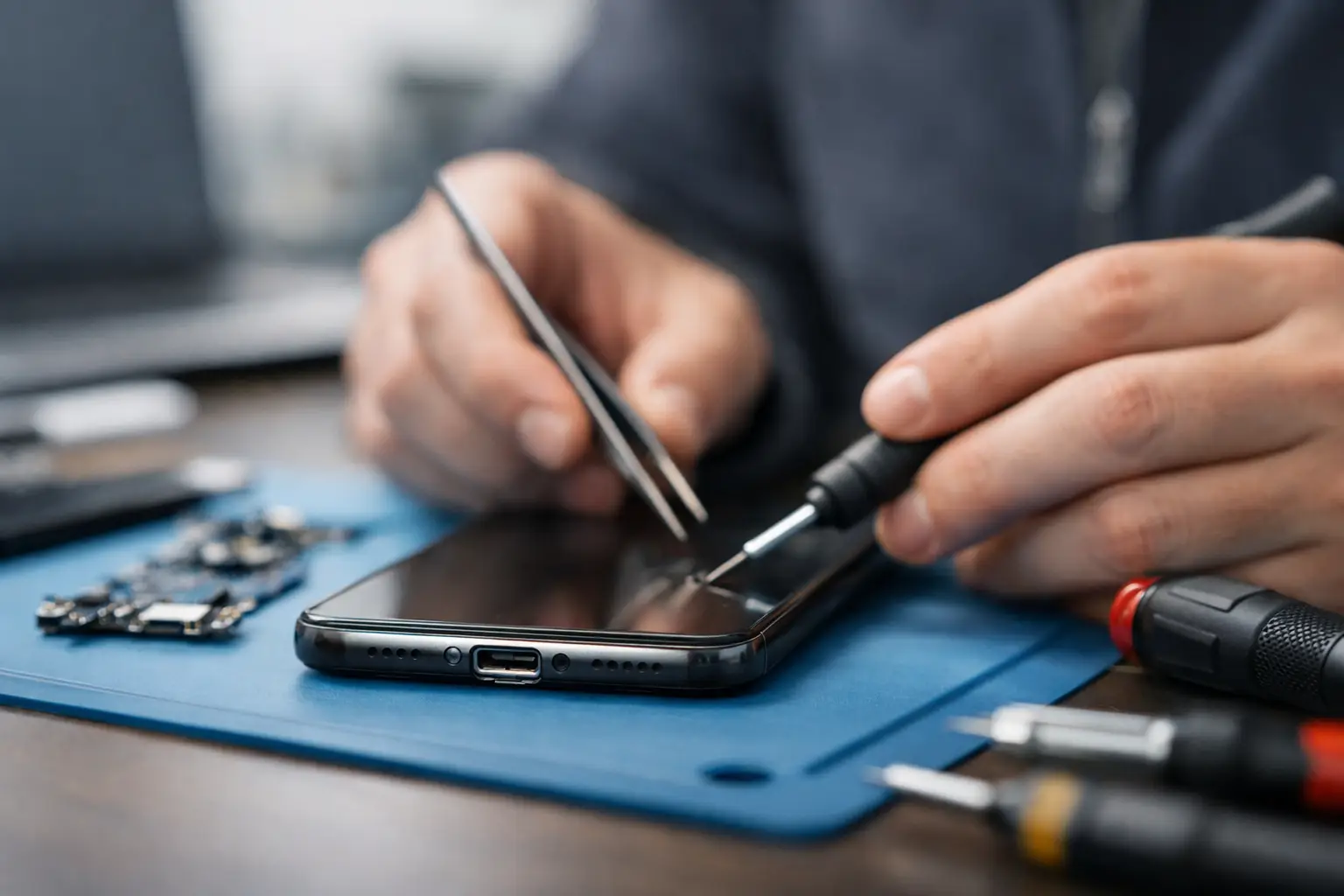
A phone that only charges at a certain angle is usually on borrowed time. The same goes for a tablet, laptop, or gaming device that keeps disconnecting, charges slowly, or stops responding when the cable moves. If you are looking for charging port repair El Paso customers can count on, the main thing to know is this: a bad port is not always just a bad port, and the right diagnosis matters.
Some charging problems are simple wear and tear. Others involve damaged pins, cracked solder joints, debris packed inside the connector, or board-level faults that mimic a port failure. Treating all of these issues the same leads to wasted money, repeat problems, or a device that still will not charge after a parts swap.
When a charging port is actually the problem
Charging ports fail because they take constant physical stress. Cables get yanked, devices charge in bed with pressure on the connector, and pocket lint slowly compacts inside the port until the cable can no longer seat properly. Over time, the connector loosens, pins bend, or the port separates from the board.
The obvious signs are familiar. Your device only charges if the cord is held a certain way. It connects and disconnects repeatedly. Fast charging stops working. The cable feels loose. In some cases, the device will not charge at all even after trying different chargers and outlets.
That said, the symptom does not always confirm the cause. A failing battery can create charging complaints. So can a bad charging cable, power management issue, liquid damage, or a damaged charging IC on the motherboard. This is where real in-store diagnostics make a difference.
Charging port repair in El Paso starts with the right diagnosis
A lot of customers walk in assuming they need a new port because that is what the symptoms suggest. Sometimes they are right. Sometimes the port is fine and the issue is deeper. Honest repair starts by checking both possibilities.
A proper evaluation should look at the physical condition of the port, whether the device pulls current normally, whether charging negotiation is working correctly, and whether there are signs of corrosion or board damage. On laptops and tablets, the charging path may involve additional components beyond the connector itself. On phones, especially newer models, the charging assembly can be tied into other flex components or daughterboards depending on the design.
That is why a shop with board-level capability can save time and frustration. If the problem is debris in the port, you should not be sold a full replacement. If the connector is torn from the board, that may require micro-soldering instead of a quick modular swap. If the port tests fine but the motherboard is not accepting charge, replacing the port alone will not solve anything.
What causes charging ports to fail
Most charging port issues come from repeated stress, but the details matter because they affect repair options.
One common cause is simple mechanical wear. This happens in phones and tablets that are plugged in multiple times every day. The connector gradually loosens until contact becomes inconsistent. Another cause is impact damage. A drop while the cable is connected can crack solder joints or deform the port housing.
Debris is another major factor. Lint, dust, and compacted dirt can make a good port seem bad. This is especially common with USB-C and Lightning devices carried in pockets or bags. Liquid exposure also deserves attention. Even a small amount of moisture can corrode pins or create hidden charging issues that appear days later.
With laptops, there is more variation. Some have separate DC jacks that can be replaced more directly. Others use USB-C charging tied into more complex board circuitry. In those cases, the port may be only part of the problem.
Devices that commonly need port repair
Phones are the most common, but they are far from the only devices with charging connector issues. Tablets, laptops, MacBooks, handheld gaming systems, and certain controllers also come in with damaged power or charging ports.
For students and working professionals in El Paso, laptop charging problems are especially disruptive because they stop both work and school tasks at once. For parents, a tablet that no longer charges can turn into a daily headache fast. For gamers, a damaged USB or charging port on a handheld system can take a favorite device out of rotation completely.
The repair approach depends on the device design. Some ports are modular and easier to replace. Others are soldered directly to the motherboard and require careful rework under magnification. That is not a small detail. It affects labor, turnaround, and whether the repair is straightforward or advanced.
Why cheap port repairs sometimes fail
A charging port repair can look simple from the outside, but poor workmanship shows up quickly. Weak solder joints, low-quality replacement parts, rushed disassembly, or skipped testing can leave you with the same problem a week later.
This is especially true for devices that need micro-soldering. Removing and replacing a board-mounted port without damaging nearby pads or components takes experience. If the board is already weakened from impact or corrosion, the repair gets even more delicate. A shop that only handles basic parts swaps may not be equipped for that kind of work.
There is also the issue of misdiagnosis. If a customer pays for a port replacement but the real issue is power management on the board, the device may come back unchanged. That is why transparency matters. A trustworthy shop will tell you when the problem is clearly the port, when further diagnostics are needed, and when the repair may not be limited to the connector itself.
What to expect from charging port repair El Paso service
For most customers, the process should be straightforward. You bring in the device, explain the symptoms, and get an initial evaluation. Walk-in service matters here because charging issues are usually urgent. People need their phones for work, school, family communication, and payment apps. They need laptops for deadlines and business operations. Waiting days just to get looked at is not practical.
A good repair experience starts with honest testing. That includes checking the charger and cable behavior, inspecting the port, verifying whether the device is drawing power, and determining whether the issue is isolated to the connector or tied to the board. From there, the repair path becomes clearer.
If it is debris, the fix may be simple. If it is a broken port, replacement may solve it. If there is motherboard damage, you need to know that up front. Fair pricing depends on that distinction. So does turnaround time.
At EPElectrocenter, all services are performed in-store, which matters for both speed and accountability. Customers are not left wondering whether a device was shipped out somewhere else for diagnosis or advanced work. When a repair shop handles both standard and board-level issues in-house, it reduces handoffs and makes communication more direct.
Should you repair the port or replace the device?
It depends on the device value, the extent of the damage, and whether other issues are present. If the device is otherwise in good shape, port repair is often the more practical choice. That is especially true for newer phones, quality laptops, tablets used for school, and gaming hardware that would be expensive to replace.
If there is major liquid damage, battery swelling, or multiple failures at once, the answer may be less obvious. In those cases, a free initial evaluation helps you make a decision based on facts instead of guesswork. Sometimes the repair is absolutely worth it. Sometimes it makes more sense to save the data and move on. Honest service means hearing both possibilities.
Getting help before the damage gets worse
A loose or intermittent charging connection rarely fixes itself. In many cases, it gets worse with continued use because each forced connection adds more stress to the port or the board beneath it. That is why early inspection matters. A device that still charges occasionally may be easier to repair than one that has been repeatedly bent, jammed, or used with the wrong cable until the connector tears free.
If your phone, tablet, laptop, or handheld device has charging issues, do not wait until the battery is completely dead to find out what is wrong. Bring it in, get it checked, and make the decision with real diagnostic information. A clean port, a proper repair, or a board-level fix done correctly can keep a good device in service and save you the cost of replacing it before you need to.