
PS5 Overheating: Causes and Fixes
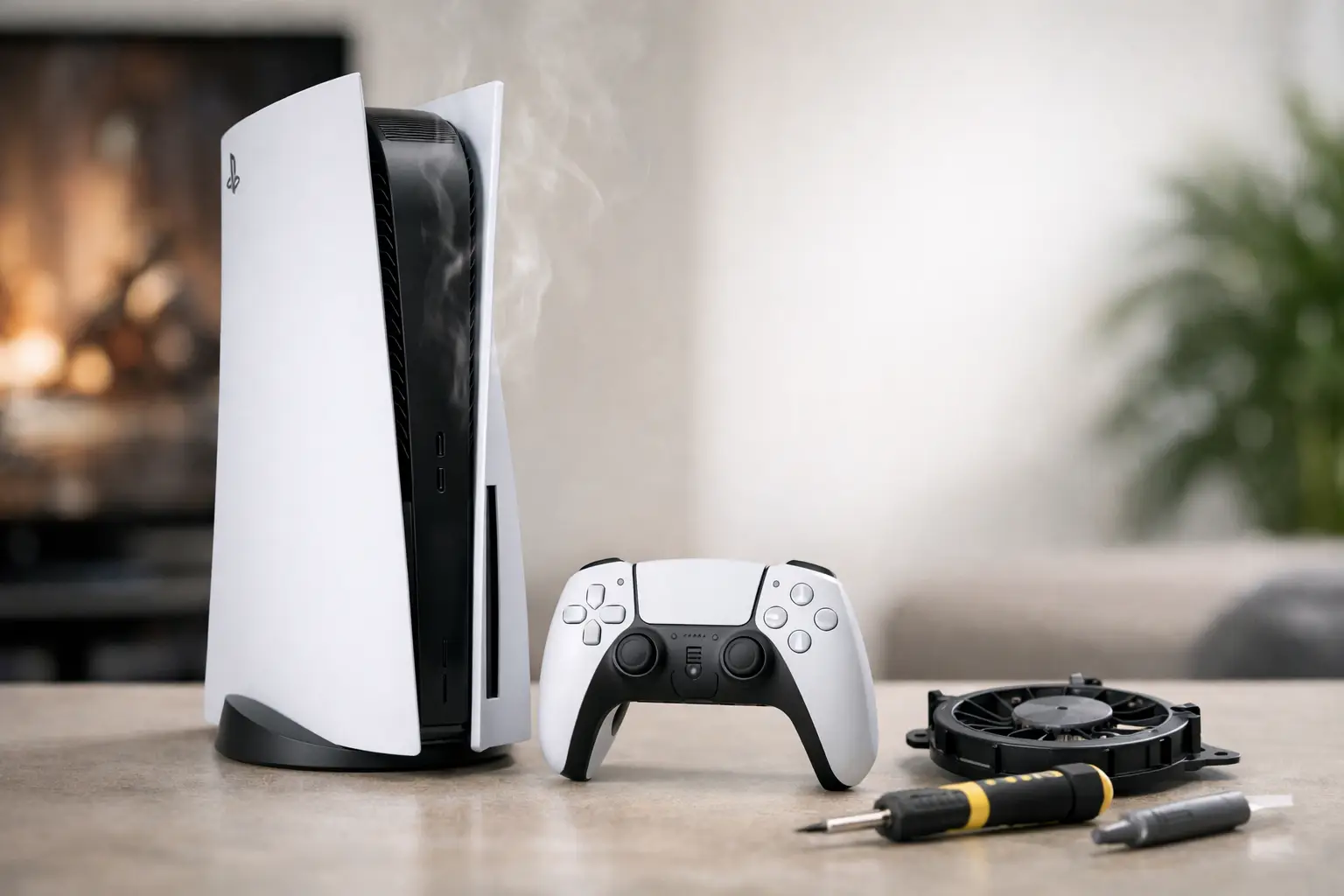
Few things are more frustrating than a PS5 shutting down in the middle of a game, especially when the warning points to PS5 Overheating. In most cases, the problem starts small - trapped dust, poor airflow, a tired fan, or dried thermal material - and gets worse over time. The good news is that some causes are simple to address. The bad news is that ignoring heat problems can turn a basic maintenance issue into a more expensive repair.
Why PS5 overheating happens
The PS5 moves a lot of heat. Its processor and graphics hardware are powerful, and under heavy load they generate enough heat that the cooling system has to stay clean and fully functional to keep temperatures under control. When everything is working as designed, the console can manage that heat without trouble. When one part of the cooling path is restricted or failing, temperatures rise quickly.
A common cause is dust buildup. Dust collects in the fan, vents, and internal heat sink fins. Once airflow drops, the console cannot move hot air out efficiently. You may first notice the fan running louder than usual, then game performance issues, and eventually random shutdowns or overheating messages.
Placement matters too. A PS5 pushed tightly into a cabinet, surrounded by warm electronics, or set against a wall has a harder time pulling in cool air and exhausting hot air. This problem gets worse in hot rooms, especially during long gaming sessions.
There are also hardware-level causes. A failing fan may spin slowly, make grinding noises, or stop intermittently. Thermal paste or liquid metal issues can reduce heat transfer from the processor to the heat sink. In more serious cases, sensor faults, power delivery problems, or motherboard damage can create overheating symptoms that look like a simple airflow issue but are not.
Signs your PS5 is running too hot
Some systems give clear warnings. Others show symptoms before any on-screen message appears. If your PS5 is overheating, you may notice the console becoming unusually loud, the top or rear area feeling excessively hot, or games crashing during demanding scenes.
Unexpected shutdowns are one of the biggest red flags. If the console powers off during gameplay and then takes time to restart, heat is a likely cause. Reduced performance can also show up first. Frame rate drops, lag in menus, or sudden instability during graphically intense games can all point to thermal stress.
You should also pay attention to patterns. If the problem only happens after an hour of gaming, during certain titles, or on hot afternoons, that tells you the system is reaching a temperature threshold rather than failing completely. That distinction matters when deciding whether the fix is basic cleaning or deeper repair work.
Simple fixes you can try first
Start with the environment before assuming the console itself is damaged. Move the PS5 into an open area with several inches of clearance around the vents. Do not place it inside a closed entertainment center, directly on carpet, or next to another device that throws off heat.
Then power it down fully and inspect the exterior vents for visible dust. If the outer vents are clogged, clean them gently. A light external cleaning can help, but it will not solve heavy buildup deeper inside the unit.
If your room runs hot, lower the ambient temperature if possible. That will not fix a failing cooling system, but it can reduce stress on the console and make symptoms less severe.
You should also check whether the issue appears only during one specific game. If so, update the game and the console software. Software bugs usually are not the root cause of overheating, but they can increase fan demand or system load in ways that expose an existing heat problem.
When cleaning helps and when it does not
Cleaning is one of the most effective fixes for PS5 overheating, but only if it is done correctly. Surface dust removal is helpful for early buildup. Once dust packs into the fan blades or heat sink channels, the system usually needs partial disassembly for a proper internal cleaning.
This is where many people make the problem worse. Using too much compressed air can push dust further inside. Opening the console without the right tools or experience can damage clips, cables, or connectors. Some owners also clean the fan but miss the heat sink, which means airflow still remains restricted.
If the PS5 improves briefly after basic cleaning but starts overheating again soon after, there is a good chance the deeper cooling path still has blockage or another component problem is present. A proper in-store inspection can tell the difference.
PS5 Overheating after cleaning
If you already cleaned the console and the issue continues, the cause may not be simple dust. A worn fan can spin but still fail to move enough air. Thermal transfer material can also degrade over time, especially in systems that have seen heavy use, poor storage conditions, or previous improper repair attempts.
There is also the possibility of internal damage. Power rail issues, failed components, and board-level faults can cause heat-related shutdown behavior. From the outside, it may look like standard overheating. Internally, the console may be dealing with a more technical problem that basic cleaning will never solve.
This is why overheating should not be treated as one single issue. Sometimes it is maintenance. Sometimes it is repair. The key is finding out which one before the console suffers repeated shutdowns or long-term stress.
Vertical vs horizontal placement
A lot of PS5 owners ask whether vertical placement causes overheating. In normal conditions, either position can work if the console has good airflow and sits on a stable surface. The bigger issue is not vertical versus horizontal. It is whether the vents are unobstructed and the system is sitting in a hot, dusty, or cramped space.
That said, if a console already has internal thermal problems, changing position usually will not solve them. It may slightly improve airflow in one setup or another, but placement changes are a support step, not a repair.
When to stop troubleshooting at home
If the console keeps shutting down, shows repeated overheating messages, or sounds significantly louder than before, it is time to stop guessing. Continued use under those conditions can stress internal components and may turn a manageable fix into a bigger job.
You should also be careful if the console has already been opened before. Missing screws, damaged covers, poor-quality thermal work, or disconnected fan cables are all issues repair shops see regularly. A system that was previously worked on can have overlapping problems, and home troubleshooting tends to become less reliable at that point.
For local customers dealing with PS5 heat issues, a free initial evaluation from a shop that handles console repair in-house is the fastest way to separate a simple cleaning need from a fan, thermal, or board-level fault. That is especially true when the symptoms are inconsistent or started after a drop, power issue, or prior repair.
What a proper repair shop should check
A real overheating diagnosis should go beyond blowing dust out of the shell. The system needs to be checked for fan condition, vent obstruction, heat sink blockage, thermal transfer issues, and any signs of board-level damage or abnormal power behavior. If a shop only offers a quick wipe-down without testing, that is not much of a diagnosis.
At EPElectrocenter, all services are performed in-store, which matters for higher-skill electronics work. For a PS5 with persistent overheating symptoms, that kind of hands-on inspection can reveal whether the fix is straightforward maintenance or something more technical. Walk-ins welcome and free initial evaluation are practical advantages when you need answers quickly instead of mailing a console out and waiting.
How to prevent PS5 overheating going forward
Once the issue is resolved, prevention is mostly about consistency. Keep the console in an open, clean area. Do not let dust build up for months at a time. If you have pets, carpet, or a room that collects dust quickly, inspect the vents more often. Long gaming sessions are fine if airflow is good, but a dirty console in a hot room will always have less margin for error.
It also helps to pay attention to noise. A louder fan is often the first warning before shutdowns begin. Catching the issue early can mean the difference between routine cleaning and more involved repair.
A PS5 that runs hot is not something to ignore, but it is not automatically a worst-case scenario either. Sometimes the fix is simple. Sometimes the console needs deeper service. What matters is getting the right diagnosis early, before heat turns a playable system into a dead one.